
This page is one Video Prompt from the PromptPix app — GENERATION PART SECONDS. Image Prompt (still) and Video Prompt (motion) stay on this card. No other video is mixed in.
This card asks the model to keep an uploaded face or reference. Leave those lock lines in on the first generate.
Copy Image Prompt for a still, or Copy on the Video Prompt for motion. Then open Flow, Gemini, or ChatGPT and paste. The site does not auto-paste.
GENERATION PART SECONDS
Video Prompt
AI VIDEO GENERATION PROMPT — PART 1 (10 SECONDS, 16:9)

Create an ultra-realistic, premium cinematic fashion-film video in horizontal 16:9 aspect ratio, using the uploaded AI avatar image and the provided storyboard image as separate references.

FACE IDENTITY — HIGHEST PRIORITY: The man’s facial identity must come exclusively from my uploaded AI avatar image. Preserve the exact recognizable face, facial structure, eyes, nose, lips, skin tone, and identity of my AI avatar throughout every shot. Do not copy the face or identity of any person appearing in the storyboard. The storyboard is only a reference for hairstyle, beard, sunglasses, outfit, personality, body language, poses, camera angles, lighting, background, surrounding people, and cinematic composition.

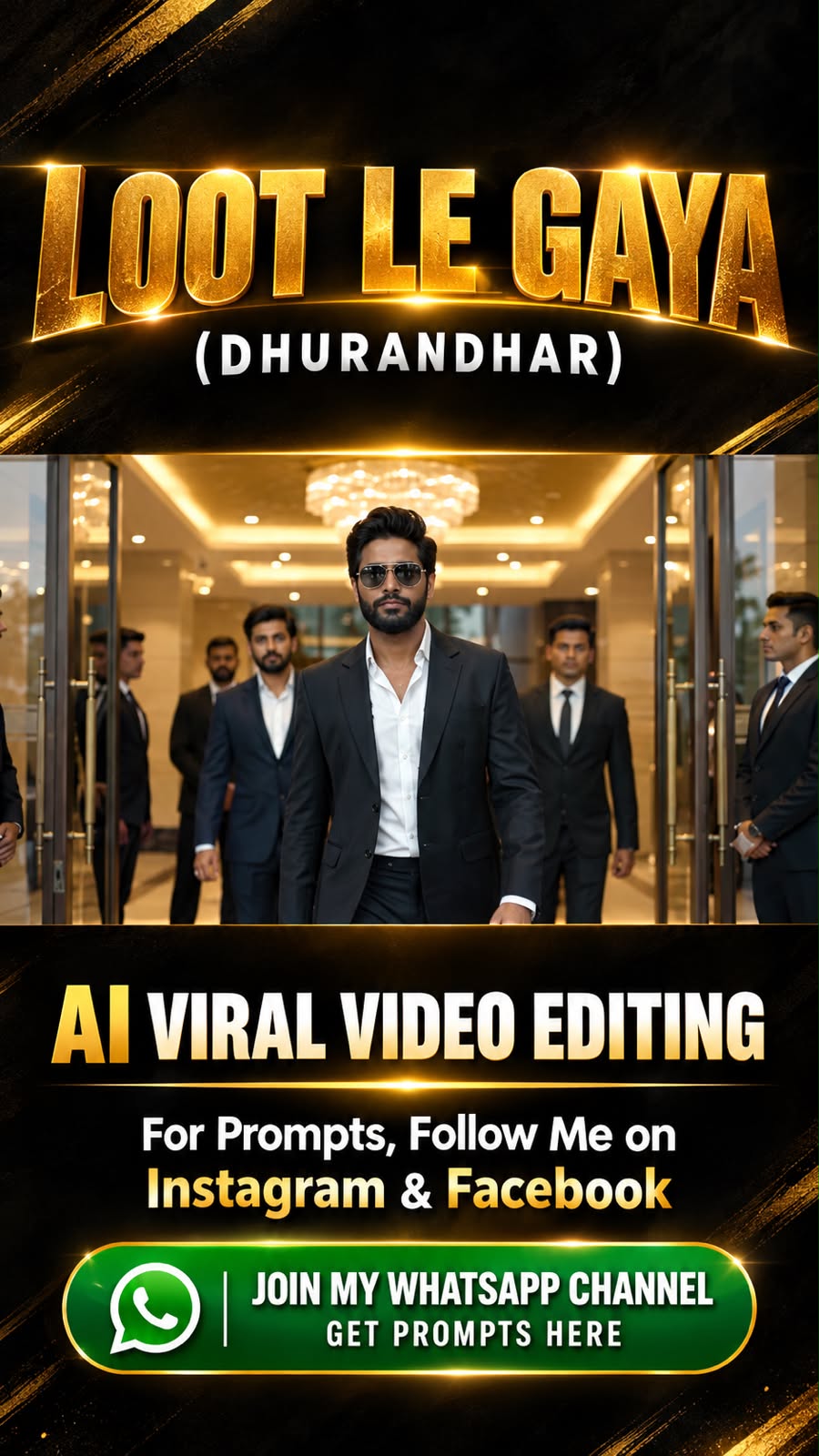
CHARACTER APPEARANCE AND OUTFIT: Give my AI avatar the same sophisticated fashion-stylist appearance shown in the storyboard: thick, voluminous, naturally swept-back black hair; a well-groomed, dense black beard and mustache; dark tinted aviator-style sunglasses; a fitted premium black suit jacket; matching black trousers; and a crisp white shirt with the collar open and no tie. Keep the same outfit, hairstyle, beard length, sunglasses, and styling in every shot. His expression is confident, composed, serious, and natural, with realistic body proportions and relaxed but authoritative posture.

SHOT-BY-SHOT TIMELINE:

0:00–0:02 — Grand Entrance: Begin with a cinematic, slightly out-of-focus view of a luxurious indoor entrance with warm golden ceiling lights. The AI avatar walks confidently toward the camera among a few well-dressed men in dark formal suits. Start with a medium-full shot, then smoothly pull focus onto the avatar’s face and outfit. His arms swing naturally, shoulders remain relaxed, and his head stays upright.

0:02–0:04 — Stylish Side-Walking Shot: Cut to a three-quarter side angle as he walks past the surrounding men. Use a smooth lateral tracking movement. Show the complete black suit, open white collar, swept-back hairstyle, beard profile, and sunglasses. Background people remain secondary and slightly out of focus. Maintain natural walking speed and a calm, high-status personality.

0:04–0:07 — Microphone Close-Up: Cut to a medium close-up, followed by a tighter close-up. The avatar holds a black handheld microphone close to his mouth with one hand, looking slightly forward and to the side. His expression is composed and confident. Show realistic beard texture, individual hair strands, natural skin detail, and accurate sunglasses reflections. Do not invent spoken dialogue or exaggerated lip movements.

0:07–0:10 — Luxury Car Reveal: Cut to a wide, premium fashion shot beside a glossy black luxury sedan with a prominent front grille. The avatar stands confidently near the front of the car, maintaining the same outfit and appearance. Use a slow, controlled camera push-in or short lateral dolly movement, keeping both the avatar and car visually clear. End with him standing naturally beside the vehicle, shoulders relaxed and hands positioned naturally.

CINEMATOGRAPHY AND IMAGE QUALITY: The footage must look as though it was filmed by a professional cinematographer using a high-end Sony cinema camera, such as a Sony VENICE or Sony FX-series cinema setup, with premium cinema glass. Use a natural 24 fps cinematic motion cadence, high dynamic range, realistic skin texture, detailed fabric, controlled highlights, rich but natural blacks, subtle filmic contrast, warm golden practical lighting, soft background bokeh, accurate focus transitions, and smooth stabilized camera movement. Simulate the depth and tonal quality of a professional full-frame cinema lens; avoid artificial over-sharpening and excessive HDR.

CONTINUITY: Preserve the exact AI avatar face in every frame. Follow the storyboard’s shot order, composition, outfit, hairstyle, beard, sunglasses, and surrounding environment. End beside the black car so Part 2 can continue naturally.

NEGATIVE CONSTRAINTS: No face replacement, no identity drift, no facial blending with storyboard subjects, no outfit changes, no different sunglasses, no changing beard or hairstyle, no distorted hands, no extra fingers, no duplicated people, no unnatural walking, no cartoon appearance, no plastic skin, no excessive slow motion, no subtitles, no text, no logos, and no watermarks. Do not add unnecessary camera movements or new locations.
FAQ
What is this video prompt?
Yes — one card: GENERATION PART SECONDS. Same as tapping that video in the PromptPix app.
Should I upload a reference photo?
Yes if the text says to match a face or scene. Add the photo in Flow or Gemini, then paste this prompt without deleting the match lines.
Image Prompt vs Video Prompt on this card?
Image Prompt is for a still in Gemini or ChatGPT. Video Prompt is for motion in Flow or Gemini video. Copy only the block you need.
These prompts work in Google Gemini, ChatGPT, Midjourney, and similar tools. For Image to Prompt from your own photo, use the PromptPix app.





