
This page is one Video Prompt from the PromptPix app — Provided Visual Final. Image Prompt (still) and Video Prompt (motion) stay on this card. No other video is mixed in.
This card asks the model to keep an uploaded face or reference. Leave those lock lines in on the first generate.
Copy Image Prompt for a still, or Copy on the Video Prompt for motion. Then open Flow, Gemini, or ChatGPT and paste. The site does not auto-paste.
Provided Visual Final
Video Prompt
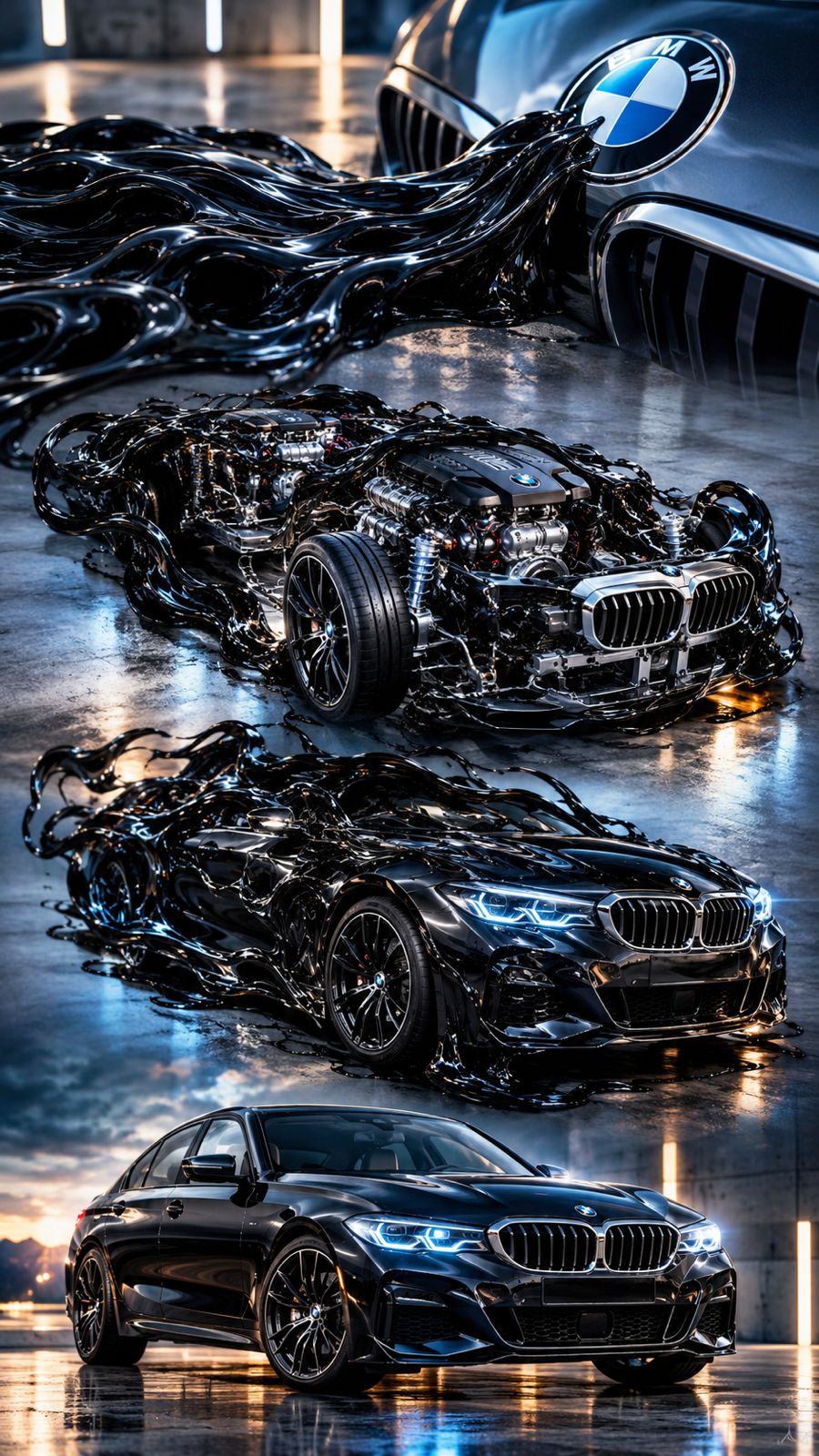
Use the provided car reference image as the exact visual reference for the final vehicle. The car is a (BMW). A glossy, black, living symbiote-like substance begins crawling organically across the floor toward the emblem of the (BMW). At first, the substance is completely amorphous and fluid, moving like a living organism. It must NOT have a hand while approaching the emblem. The exact moment the black substance touches the emblem, it rapidly expands and morphs into the intricate internal chassis and mechanical parts of the car. It continues to grow and solidify, smoothly forming the outer body panels, tires, and lights, ultimately transforming completely into the exact car shown in the reference imag
FAQ
What is this video prompt?
Yes — one card: Provided Visual Final. Same as tapping that video in the PromptPix app.
Should I upload a reference photo?
Yes if the text says to match a face or scene. Add the photo in Flow or Gemini, then paste this prompt without deleting the match lines.
Image Prompt vs Video Prompt on this card?
Image Prompt is for a still in Gemini or ChatGPT. Video Prompt is for motion in Flow or Gemini video. Copy only the block you need.
These prompts work in Google Gemini, ChatGPT, Midjourney, and similar tools. For Image to Prompt from your own photo, use the PromptPix app.





