
This page is one Video Prompt from the PromptPix app — Turn Into Drone-style. Image Prompt (still) and Video Prompt (motion) stay on this card. No other video is mixed in.
Copy Image Prompt for a still, or Copy on the Video Prompt for motion. Then open Flow, Gemini, or ChatGPT and paste. The site does not auto-paste.
Turn Into Drone-style
Video Prompt
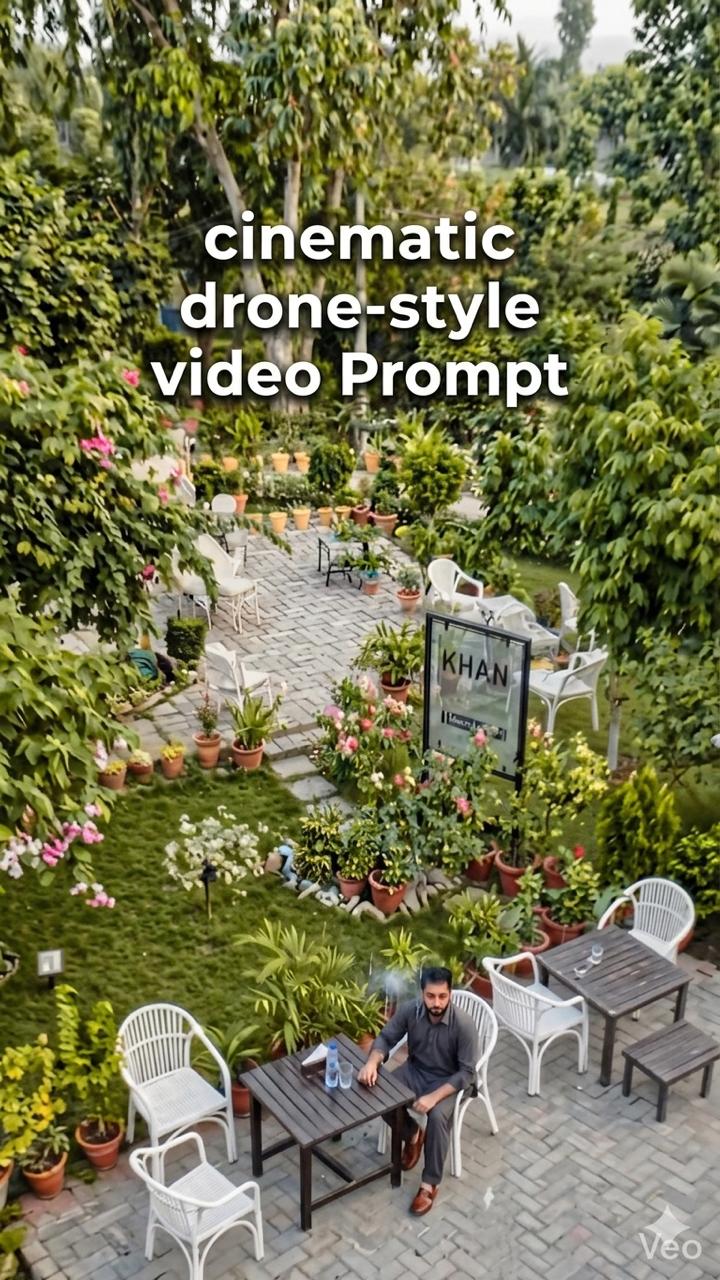
Image Prompt
Turn this image into a cinematic drone-style video. Start with a slow zoom-in, then smoothly rise and move forward as if a drone is flying over the scene. Add natural motion to the background (subtle wind, light movement), realistic depth, and soft cinematic motion blur. Keep the video vertical in 9:16 format
Video Prompt
Turn this image into a cinematic drone-style video. Start with a slow zoom-in, then smoothly rise and move forward as if a drone is flying over the scene. Add natural motion to the background (subtle wind, light movement), realistic depth, and soft cinematic motion blur. Keep the video vertical in 9:16 format
FAQ
What is this video prompt?
Yes — one card: Turn Into Drone-style. Same as tapping that video in the PromptPix app.
Image Prompt vs Video Prompt on this card?
Image Prompt is for a still in Gemini or ChatGPT. Video Prompt is for motion in Flow or Gemini video. Copy only the block you need.
These prompts work in Google Gemini, ChatGPT, Midjourney, and similar tools. For Image to Prompt from your own photo, use the PromptPix app.





